How to Improve Indoor TV Antenna Reception
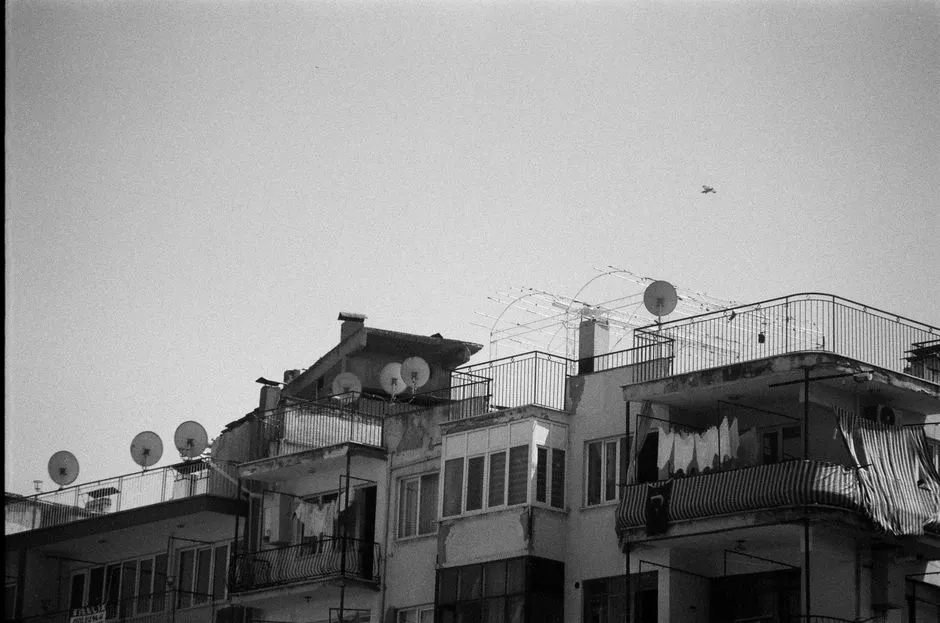
Indoor antenna reception improves through controlled experiments
Start with location data, then test height, wall, direction, cable path, splitters, and amplification one variable at a time. Broadcast reception depends on transmitter direction and band, terrain, nearby structures, building materials, antenna design, and the tuner. A mileage number on packaging cannot see your apartment's metal window screen.
Record each placement and the channels it receives reliably. Memory becomes surprisingly cinematic after the sixth rescan.
Check stations for the exact location
In the United States, use the official digital television reception map as a starting prediction. Its results are modeled around an outdoor antenna assumption, and the page explicitly warns that indoor reception can vary because of construction, buildings, trees, terrain, weather, and receiving hardware.
Note each desired station's real broadcast channel, band, and general transmitter direction. The familiar channel number displayed on screen may not describe the frequency the antenna receives. Choose an antenna designed for the needed VHF and/or UHF bands rather than relying only on advertised range.
Maps predict signal conditions; they do not guarantee reception in one room.
Establish a baseline scan
Connect the antenna directly to the television or tuner with the shortest practical sound coaxial cable. Remove unnecessary splitters, couplers, and amplifiers for the baseline. Select the antenna or over-the-air input in the tuner menu and run a full channel scan according to its instructions.
Write down which desired channels are stable, intermittent, or missing. A stable picture matters more than the largest scan count, which may include duplicate or unwanted subchannels.
Inspect connectors for looseness, bent center conductors, corrosion, or damaged cable. Replace suspect components with appropriately rated parts rather than holding the connector at a lucky angle forever.
Test high positions on several walls
Move the antenna higher and closer to an exterior wall or window facing relevant transmitters. Secure it temporarily with a mounting method safe for the wall and antenna. Rescan after each meaningful move.
Test multiple walls. Low-emissivity window coatings, metal screens, masonry, foil-backed insulation, appliances, ductwork, and neighboring buildings can weaken or reflect signals. A position a few feet away may perform differently.
Keep indoor antennas and coax away from heat, water, pinching doors, and trip paths. Do not route a cable where it damages fire barriers or building systems.
Directional antennas may need careful aiming. Multidirectional designs reduce aiming demands but do not receive equally through every obstruction. Use the antenna's actual instructions; shape alone does not reveal its pattern.
Reintroduce components one at a time
Once direct reception is stable, add any required longer cable, splitter, recorder, or network tuner separately and rescan or retest. When a channel fails after one component returns, you have useful evidence.
Every split divides signal power, while cable and connectors add loss. Avoid unused branches and low-quality adapters. Do not buy an amplifier before identifying whether cable loss is the problem.
An amplifier can help compensate for distribution loss or a long cable run, but it also amplifies noise and can overload the tuner when strong signals are present. Test with and without it if the design allows, power it exactly as directed, and place it where the manufacturer specifies.
Rescan after station or setup changes
Run a new scan after changing antenna, position, cabling, amplifier state, or tuner. Also check the broadcaster's own current notices when one station changes unexpectedly. Do not repeatedly rescan a poor position without adjusting anything; the tuner is not withholding channels to build character.
Our antenna setup collection treats reliable viewing over several days as success. Weather and moving foliage can reveal a marginal path that one sunny test missed.
Know when indoor testing is finished
If maps suggest usable signals but thorough indoor placement cannot hold them, an attic or outdoor antenna may improve height and reduce interior obstruction. That is also where installation risk rises.
Roofs, ladders, attics, grounding and bonding, weatherproof cable entry, structural attachment, and power-line clearance require current codes and appropriate expertise. Never install or move an antenna near overhead conductors. Hire a qualified installer for elevated or outdoor work and follow local building and electrical requirements.
Before escalating, decide which stations matter. Streaming may cover some programs, while an antenna provides available local broadcasts without making one system replace the other. Our streaming-device buying guide helps select hardware by actual apps and connections rather than by box enthusiasm.